

Download GitHub – Code Repository, Developer Collaboration, Mobile Development
Overview
The GitHub mobile application is a dedicated utility designed to extend the functionality of the GitHub code repository platform to mobile devices. Built to support developers and technical teams, the app enables remote management of projects, code reviews, issue tracking, and team collaboration. It serves as a bridge between desktop workflows and on-the-go productivity, allowing users to stay engaged with their repositories regardless of location. The app is particularly useful for developers who need to respond to notifications, review pull requests, or manage project tasks while away from their primary workstations.
As the leading platform for open-source and private software development, GitHub has long been central to modern coding practices. The mobile version enhances this ecosystem by offering a native experience tailored for smartphones and tablets. Users can browse repositories, participate in discussions, and take action on code changes directly from their mobile devices. This is especially valuable in agile development environments where timely feedback and rapid iteration are critical. The app supports real-time updates, ensuring users remain synchronized with their team’s progress.
The developer did not provide additional system requirements or detailed background on the development team. Platform compatibility information is limited to the mobile operating systems officially supported by GitHub. The app is intended for professional developers, technical contributors, and project managers involved in software development workflows.
Key Features & Capabilities
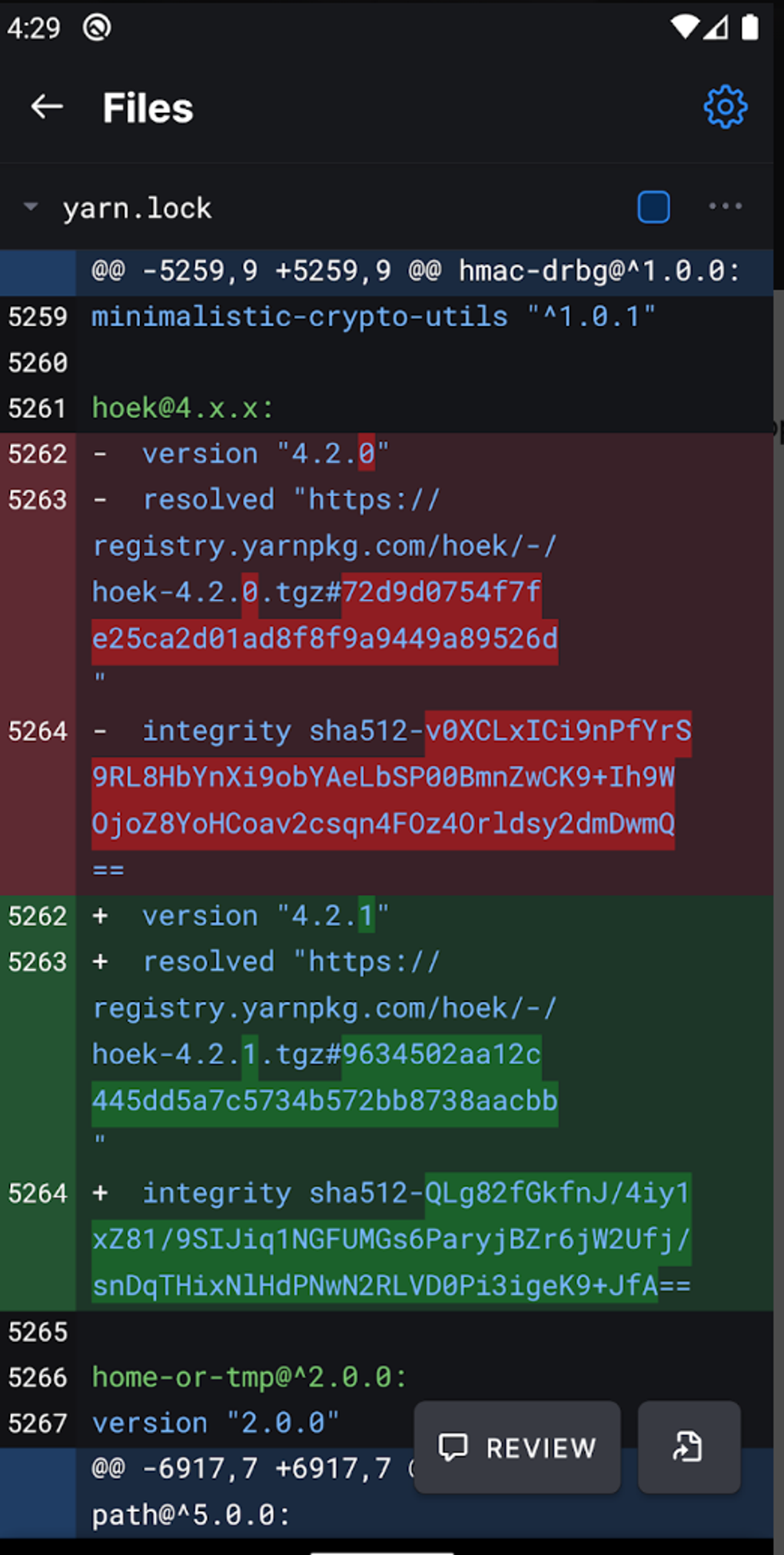
- Mobile Code Review – View and comment on pull requests, examine code changes, and approve or request revisions directly from a mobile device.
- Issue Management – Create, assign, label, and track issues within repositories using intuitive mobile controls.
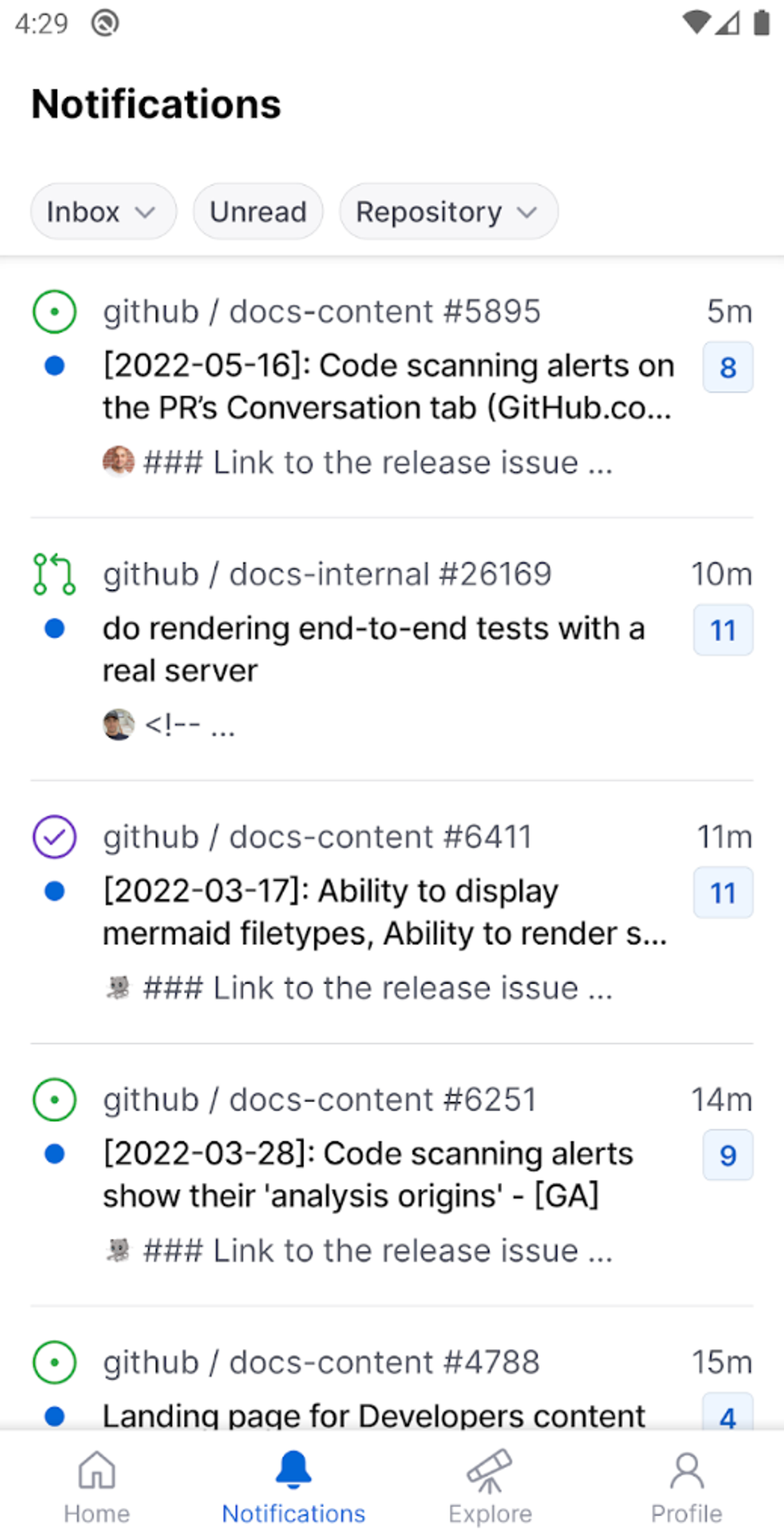
- Notification Center – Stay updated with real-time alerts for mentions, pull request updates, and repository activity.
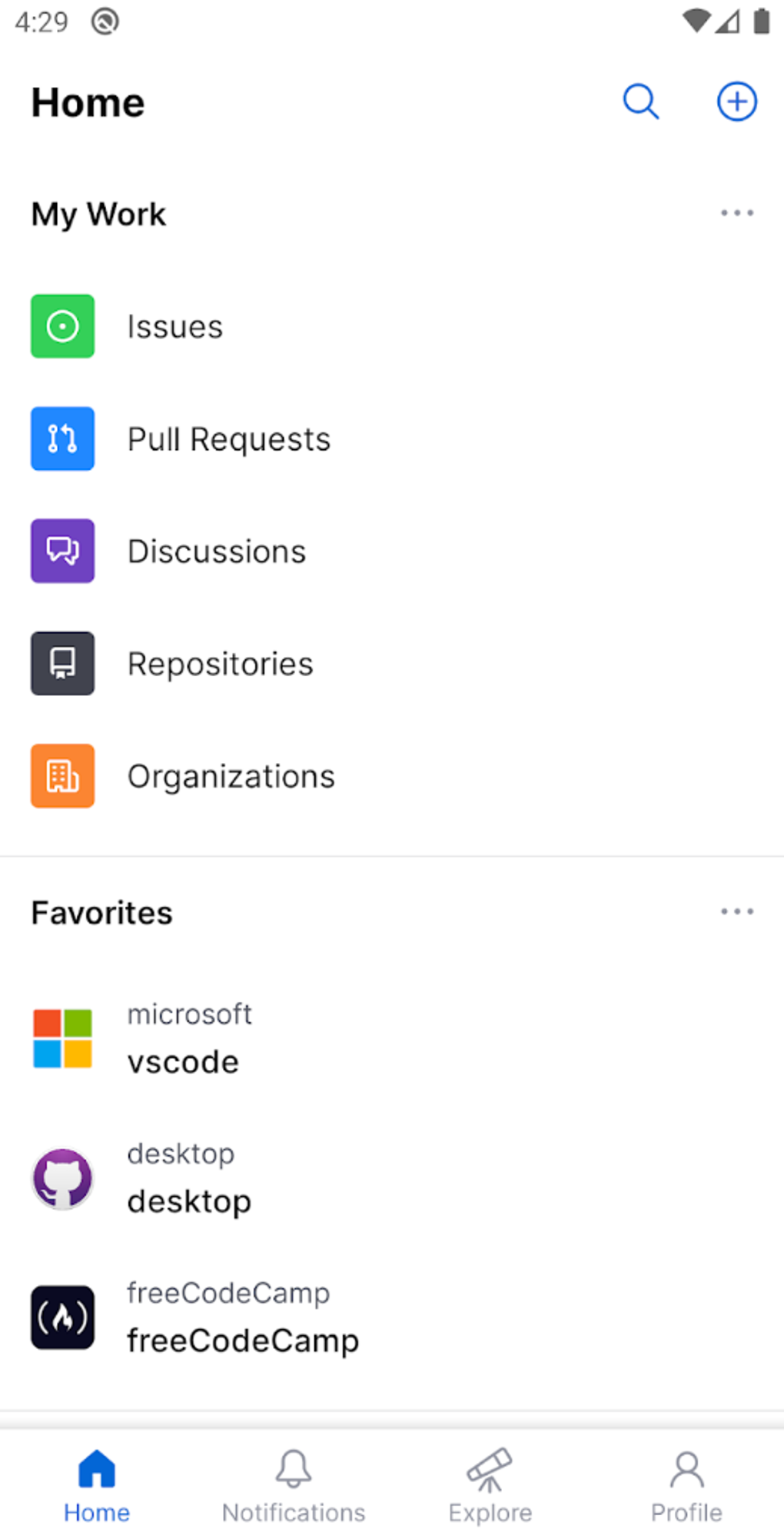
- Repository Browsing – Navigate through codebases, view file structures, and access documentation without relying on a desktop.
- GitHub Copilot Chat Integration – Access AI-powered coding assistance via natural language queries, enabling instant insights into code behavior and repository patterns.
- Team Collaboration Tools – Engage in discussions, react to comments, and reply to messages within the app’s communication interface.
These features allow developers to maintain workflow continuity even when not at a desk. For example, a developer on a commute can review a pull request, leave a comment, and assign it to a teammate—all within minutes. Similarly, a project lead can monitor issue status, update labels, and ensure tasks are progressing without waiting for a desktop session. The integration of GitHub Copilot Chat adds a layer of intelligent support, allowing users to ask questions like “Explain this function” or “Suggest a fix for this error,” receiving context-aware responses based on the repository’s code and documentation.
User Interface, Workflow & Performance
The user interface of the GitHub mobile app is designed with a clean, responsive layout optimized for touch-based navigation. Core actions such as viewing repositories, accessing notifications, and reviewing code are accessible through intuitive bottom navigation and collapsible side menus. The app uses a card-based structure for issues and pull requests, making it easy to scan and prioritize tasks.
Workflow efficiency is enhanced by contextual actions—users can quickly respond to a comment, add a label, or trigger a merge with minimal taps. The app supports offline browsing of recently viewed files and discussions, though actions like submitting comments or merging pull requests require an active internet connection.
Performance observations are based on general software behavior patterns. The developer did not specify resource usage details. Stability appears consistent with standard mobile app standards, but users should be aware that complex repository operations may require a stable network and sufficient device memory. The app does not support full code editing or file creation directly on mobile, which limits its use for extensive development tasks.
Compatibility & System Requirements
The GitHub mobile app is available for iOS and Android devices. The developer did not specify exact system requirements, including minimum OS versions or hardware specifications. Installation size is not provided in the available information. Compatibility information is limited to the official mobile platforms supported by GitHub.
Exact system requirements were not listed. The app is designed to function on modern smartphones and tablets with standard mobile operating systems. Users should ensure their device meets the standard requirements for running third-party applications from official app stores.
Pros and Cons
Pros
- Native mobile experience with smooth navigation and responsive design
- Real-time sync with GitHub repositories and team activity
- Full access to pull requests, issues, and code reviews on the go
- Integration with GitHub Copilot Chat for AI-powered coding assistance
- Supports team collaboration through comments, reactions, and notifications
- Offline browsing of recent content for limited access without internet
Cons
- Cannot edit or create new code files directly on mobile
- Limited functionality compared to desktop version
- Occasional data loss reported when editing comments or code
- Resource usage details not disclosed
- Requires stable internet for most actions beyond viewing
FAQ Section
Is GitHub available for both iOS and Android?
Yes, the GitHub mobile app is available for both iOS and Android devices through their respective official app stores.
Is the app free to download and use?
Yes, the GitHub mobile app is free to download and use. It does not require a paid subscription to access core features.
Can I use GitHub on my mobile device without an internet connection?
Partial functionality is available offline. You can view recently accessed repositories and discussions, but actions like submitting comments, merging pull requests, or syncing updates require an active internet connection.
Does the app support two-factor authentication?
Yes, the app supports two-factor authentication as part of GitHub’s security framework. Users must verify their identity using their configured method when logging in.
How often are updates released for the GitHub mobile app?
Updates are released periodically by the GitHub development team. Users are encouraged to keep the app updated via their device’s app store to ensure access to the latest features and security patches.
Final Thoughts + CTA
The GitHub mobile app delivers a powerful, streamlined experience for developers who need to stay connected to their projects beyond the desktop. With its intuitive interface, robust collaboration tools, and the added advantage of GitHub Copilot Chat, it bridges the gap between remote work and team productivity. While it does not replace full desktop development, it significantly enhances workflow continuity for on-the-go tasks like reviewing code, managing issues, and engaging in team discussions.
Developers, technical leads, and contributors who rely on GitHub for daily collaboration will find this app indispensable. It ensures that no update or feedback is missed, no matter where you are. For those committed to agile, responsive development practices, the app offers a reliable companion to the desktop experience.
Download GitHub now





.png)

